GUIDE · VS CODE AND GITHUB COPILOT
Logic Pro MCP
in VS Code with GitHub Copilot.
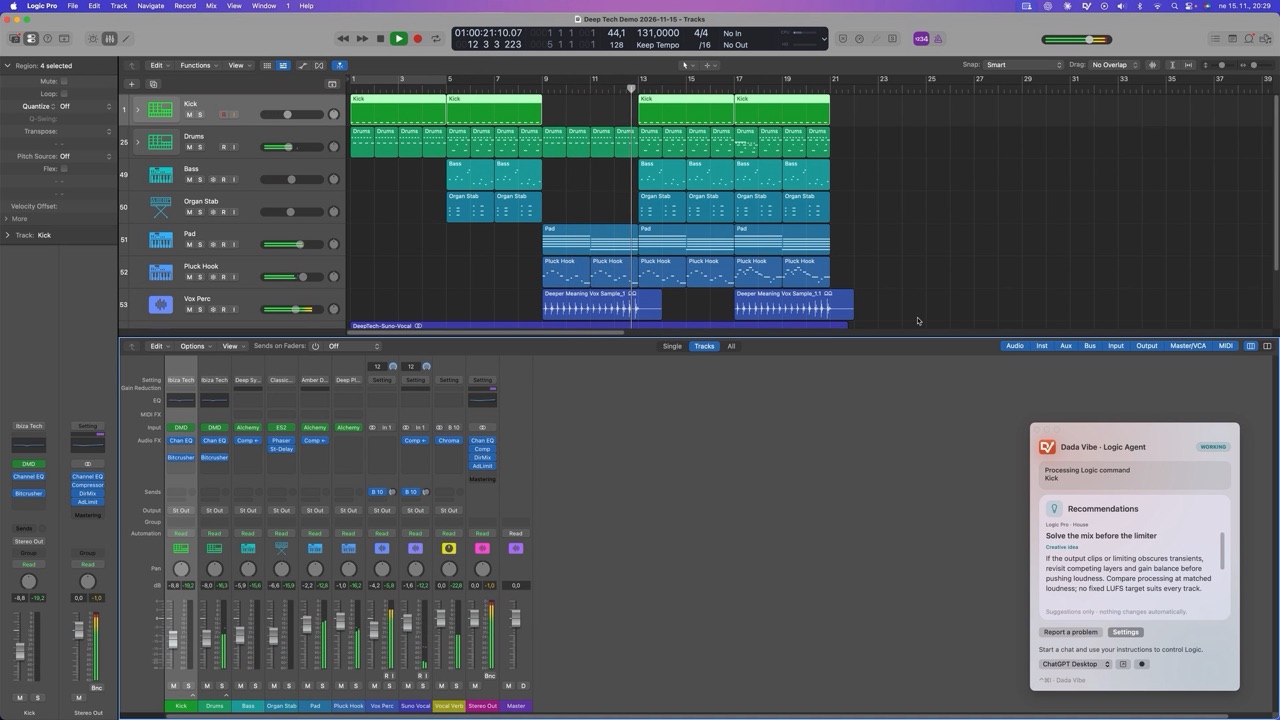
Visual Studio Code with GitHub Copilot can use MCP servers. With Dada Vibe Connector, Copilot agent chat works directly in Logic Pro 12 and 13: it writes MIDI, loads instruments, sets plug-ins and mixes. In Copilot you choose the model, for example Claude or GPT.
Updated 18 November 2026 · Dada Vibe
What you need
- A Mac with Apple Silicon or an Intel processor, macOS 15.6 or later, and your own Logic Pro 12 or 13 with the English interface.
- Visual Studio Code with the GitHub Copilot extension, a GitHub account and a Copilot plan.
- Dada Vibe Connector installed on the same Mac as Logic Pro.
How to connect VS Code to Logic Pro
- Install VS Code with GitHub Copilot on the Mac where Logic Pro runs.
- In Dada Vibe Connector open Connection → More clients → GitHub Copilot in VS Code and follow the setup.
- Open Copilot agent chat in VS Code and check that the Dada Vibe Connector tools are available.
- Allow the permissions macOS asks for: mainly Accessibility and Automation for Logic Pro and System Events.
- Ask for the read-only connection check, which changes nothing. Give the first musical task only once the AI can read Logic.
Use Dada Vibe Connector to read the current Logic Pro status and report any missing permissions. Do not create, close, edit or save a project, and do not start playback.Fewer approval prompts
Optional: in the Command Palette run Chat: Manage Tool Approval, turn off “Configure for this workspace only”, expand Dada Vibe Connector, choose “Run any tool without approval” and confirm with OK. Leave other sources unchanged.
Visual Studio Code: Add and use MCP servers ↗
Why VS Code and Copilot
- In Copilot chat you choose the model, for example Claude or GPT, depending on your plan.
- It suits you if you already use VS Code and have a Copilot plan.
- Keep VS Code running and leave the Mac’s mouse and keyboard free until the step finishes.
First prompts
- “Write a four-bar A-minor bassline on the selected track.”
- “Sidechain the bass to the kick.”
- “Add a limiter on the output and measure loudness.”
Not every workflow is verified with every client. Most of our demos were made with Claude and ChatGPT. A simple step takes tens of seconds to a few minutes, and the musical decisions stay with you.
Ten prompts for a first house sketch ↗