
GUIDE · AI IN LOGIC PRO
AI in Logic Pro 12 and 13:
what it can and can’t do.
Logic Pro has its own smart features, such as Session Players, Stem Splitter or Mastering Assistant. This page is about something else: how an AI assistant like Claude or ChatGPT works directly in your project from what you write. A local MCP server such as Dada Vibe Connector makes that possible.
Updated 18 November 2026 · Dada Vibe
AI for MIDI and composing
The AI writes and edits MIDI notes: melodies, chords, basslines and beats. It keeps them in key or gives them a looser, more human feel. Say “write a four-bar A-minor bassline” and the notes appear in the selected region, where you can edit them like your own.
AI for instruments, plug-ins and sound
The AI loads instruments and effects, picks presets and sets parameters in units you know: Hz, dB and ms. The connector knows the parameters of hundreds of plug-ins. We have tried selected plug-ins from makers such as FabFilter, Valhalla, Softube or Arturia. This does not mean their whole range is supported.
AI for mixing and mastering
The AI sets levels, pan and sidechain so the instruments do not fight each other. On the output it builds EQ, a compressor, stereo width and a limiter and measures loudness in LUFS. The numbers are a guide. Whether the mix sounds right is for your ears to judge.
Automation and arrangement
The AI draws automation, such as a filter opening or a volume swell. In the arrangement it extends, repeats, splits or joins regions, copies whole song sections and labels them with markers. It creates and renames tracks and sets tempo and time signature.
Inspiration from a reference track
Name a song you like, or just a genre. The connector analyses a local audio file or an available preview: it estimates tempo and key and compares tonal balance, saturation and loudness. The AI then builds your own track inspired by how the reference is made. We don’t copy melodies or parts.
What AI can’t do in Logic
- It cannot operate every Logic feature or every plug-in.
- It is not a finished production in one click. A simple step takes tens of seconds to a few minutes, and a whole track with listening and changes takes an hour or more.
- The musical decisions stay with you. The AI checks each step in Logic, but it cannot decide whether you like it.
- Some steps cannot be undone, so save a copy of your project before you start.
Which AI assistant
Dada Vibe Connector works with Claude Desktop, with ChatGPT for Mac in Work or Codex, and with VS Code with GitHub Copilot. Everything runs locally on the Mac with Logic.
- How to use Claude with Logic Pro ↗
- How to use ChatGPT with Logic Pro ↗
- Logic Pro MCP in VS Code with GitHub Copilot ↗
- What MCP is and how a Logic Pro MCP server works ↗
Demos in Logic Pro
 Drum and Bass: composed by Claude in Logic Pro 13
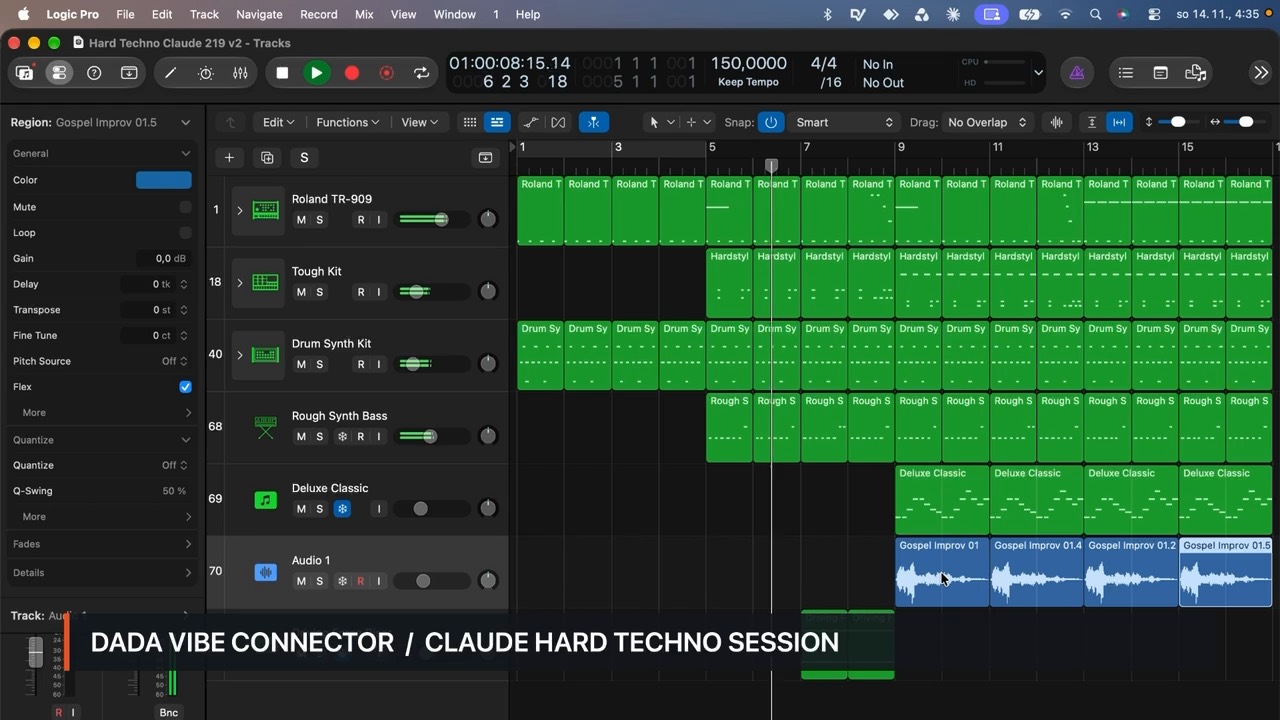 Hard techno in Logic Pro 13 with Claude
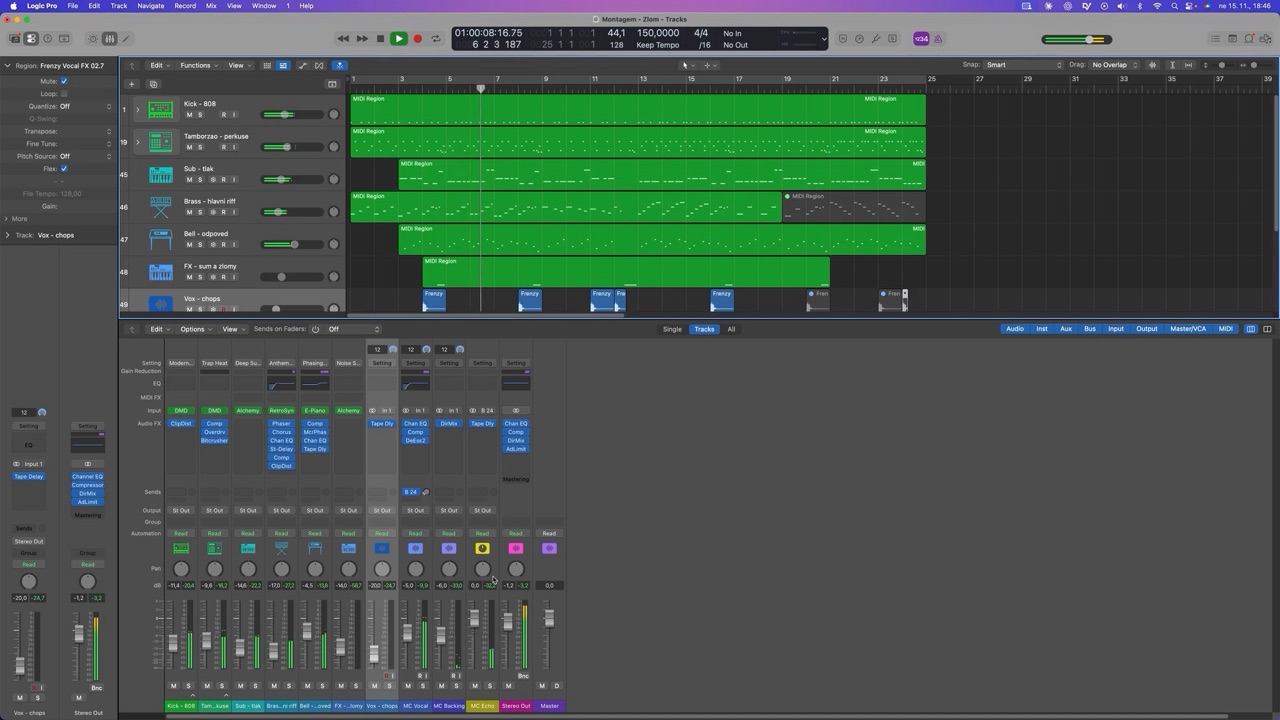 Phonk (Brazilian funk) in Logic Pro 12 with ChatGPT
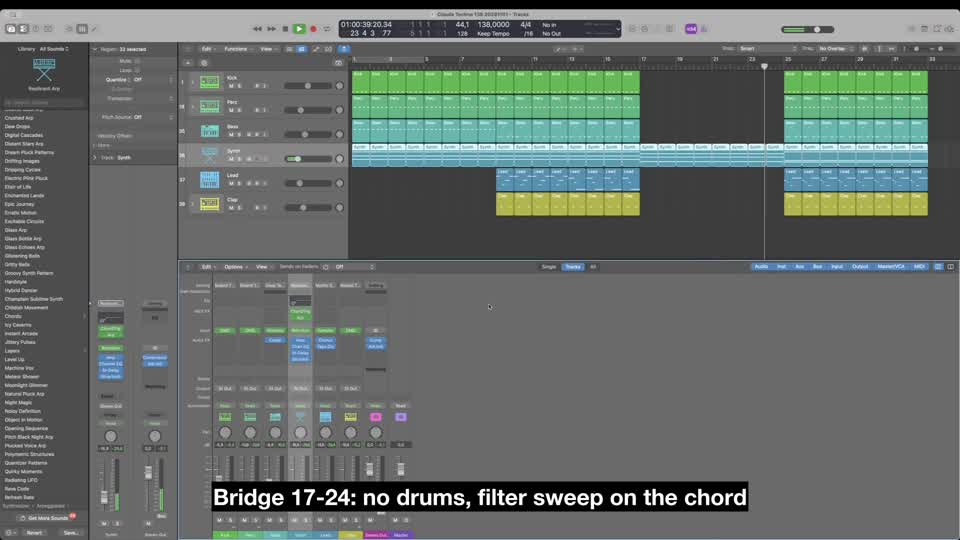 Techno: created with Claude Desktop