MIDI notes and chords
Describe a genre, mood or rhythm. Your assistant can suggest a melody, chords or a beat and write MIDI notes through the connector. Refine the ideas by ear.
INDEPENDENT MCP CONNECTOR
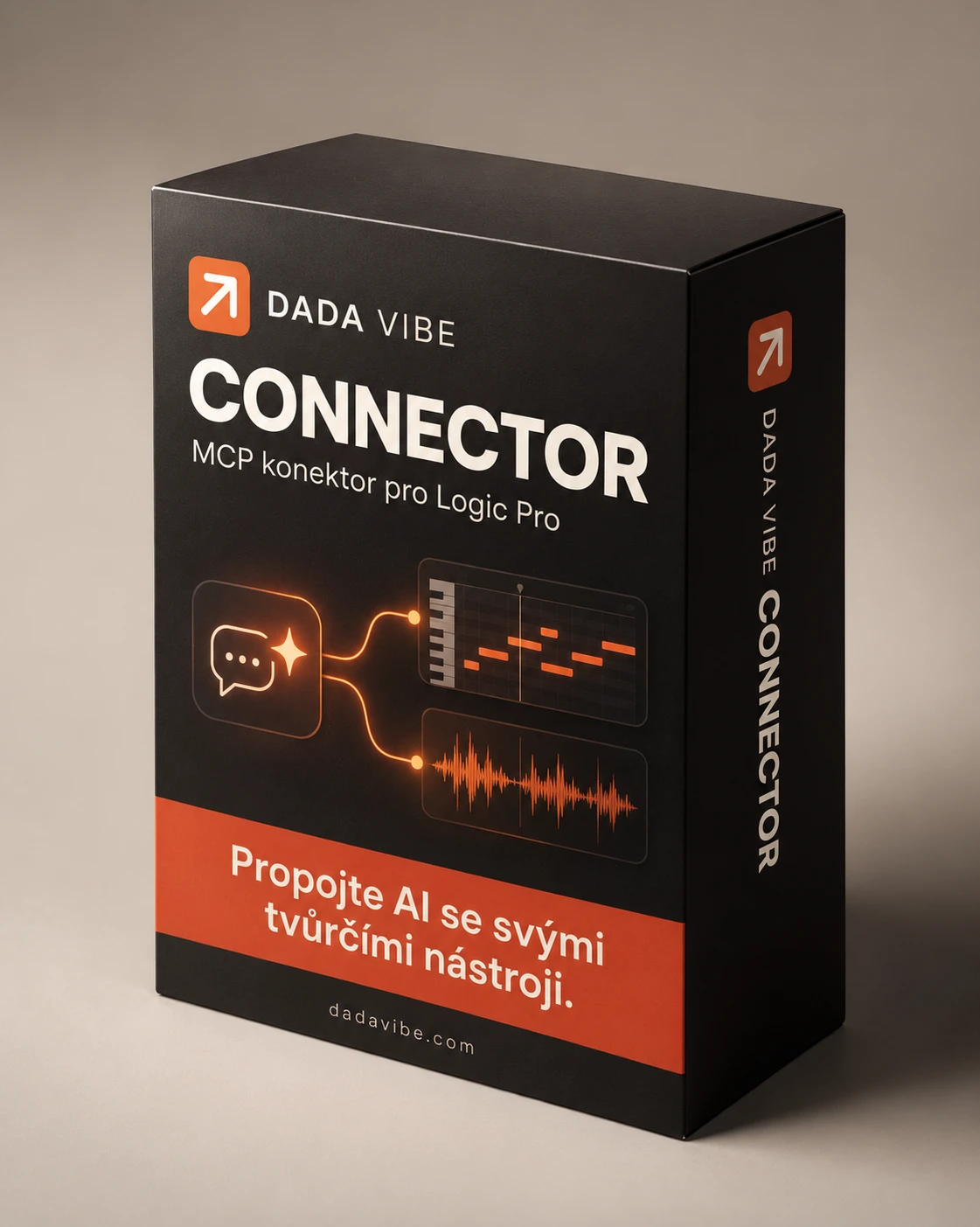
MCP connector for Logic Pro.
Describe what you want to create or change in Logic Pro. Your assistant proposes a workflow and performs available operations through Dada Vibe Connector. Optimized development for ChatGPT and Claude.
EXAMPLE PROMPT“Write a melody into the selected MIDI region.”
Selected plugins and parameters have been tested live. Support for each brand’s entire product range is not confirmed.
CONNECTOR CAPABILITIES
These capabilities reflect tests and results actually read back. They do not imply complete control of every Logic feature or every plugin.
Describe a genre, mood or rhythm. Your assistant can suggest a melody, chords or a beat and write MIDI notes through the connector. Refine the ideas by ear.
Load an available software instrument, open its editor and change named parameters in supported AU plugins.
Write automation for exposed parameters, such as synth cutoff and resonance. Tested workflows use Piano Roll and track automation lanes.
Capture audio from available target tracks or a selected list and set an initial level balance based on measurements and musical roles.
Build and adjust an output chain with EQ, compression and limiting. Measure LUFS loudness and true peaks in captured audio.
Custom categories and subfolders, effect assignments, backups and restoration of your own changes in Plugin Manager.
Route a kick to a compressor detector on another track. Set exposed controls, including attack and release; this workflow is used in the demos.
Turn a MIDI region into audio with Bounce in Place. Keep the original MIDI and work with the resulting audio, including its level and EQ.
Freeze a track and turn off its software instrument so it no longer needs to run in real time. We have tested this workflow; the saving depends on the project and instrument.
Create your way. When you need a fresh idea, ask your assistant for a melodic continuation, a supporting line or a different rhythm. You listen, choose and refine.
DEMOS DIRECTED BY A PERSON
Two real Logic sessions, edited with English narration and subtitles. A person directed what to create and what to change; the assistant performed available steps through Dada Vibe Connector.
MIDI tracks, instruments and effects, sidechain, mix balancing and mastering following human instructions.
Beat, bass and synth, automation and subsequent sound changes based on human feedback.
For example: “Suggest an eight-bar house melody” or “Create a drum and bass beat.” Then request revisions: change the bass sound, lower its level or add filter automation. You judge and direct each result.
The demos are edited and time between actions is shortened; they do not show real-time execution speed. Narration describes the workflow and is not a recording of voice commands. Musical direction, listening and final decisions remain with the person.

TAKING A BREAK FROM THE MIX?
We’re developing Recording Studio Simulator on Roblox, a game about running a recording studio. When you’re taking a break from making music, drop in for a little studio fun.
Explore the game on RobloxThe paid license covers our own extensions. The original Logic Pro MCP and other MIT components retain their open-source licenses.
Licence, autoři a původ kódu ↗04 / SIMPLE LICENSING
Our extensions build on a free foundation. One license for your work and home Mac.
Sales open after signing and download verification9 €
+ applicable VAT based on the customer
1 user · 2 Macs · no subscription
The price may rise for new purchases as features are added. Your purchased license stays valid without a price top-up; updates to this connector are included.
Sales have not started. This button does not take payment.
DADA VIBE CONNECTOR
Leave your email. We will let you know when Dada Vibe Connector is available to buy.
We have tested specific workflows and selected plugins, not every Logic feature or AU parameter. Automation needs a visible window and temporary use of the mouse and keyboard. Audio capture requires macOS 14.2+. The initial mix is a suggestion for you to judge by ear.
05 / GOOD TO KNOW
Your own Logic Pro on Mac, an assistant supporting local MCP tools and the necessary macOS permissions. Tests so far used Logic Pro 12.4 with an English interface.
Claude Desktop connectivity and feature coverage are still being tested. Full compatibility is not confirmed. Logic and the connector run locally on your Mac.
When sales launch, you will receive a download link through Payhip after payment. The product is not on sale yet.
Our extension license does not require a share of your music. Commands can change projects and settings, so keep backups. Categories are edited while Logic is closed.